
Last Updated on 3 September 2024 by Colette
Advertorial content
I’ve been wearing some sort of smart watch or fitness tracker for around a decade now starting with a fairly basic Fitbit that was just tracking my steps and steadily upgrading to the point where I’ve now recently just bought a new Huawei GT4 smart watch which, alongside tracking various health indicators, will allow me to answer calls and send stock replies to text messages.
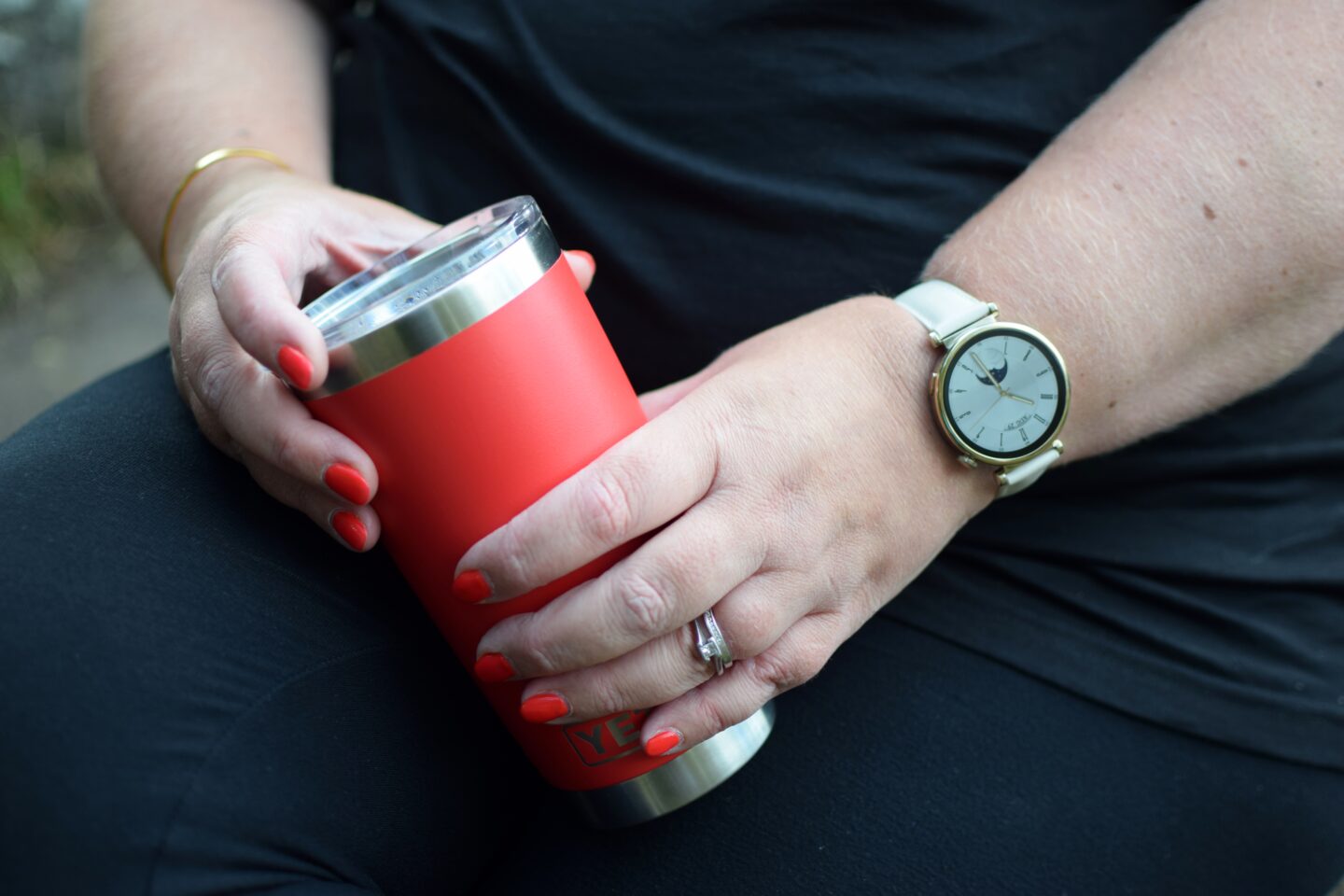
I’d like to tell you that wearing a fitness tracker helps me to achieve my fitness goals but in reality what it does is just shame me into realizing that I just don’t move anywhere near enough and then celebrating on the odd day where I do manage to actually complete all those rings – in fact even as I’m sat here writing this I’ve just had a notification to get up and move, which I quietly ignored.
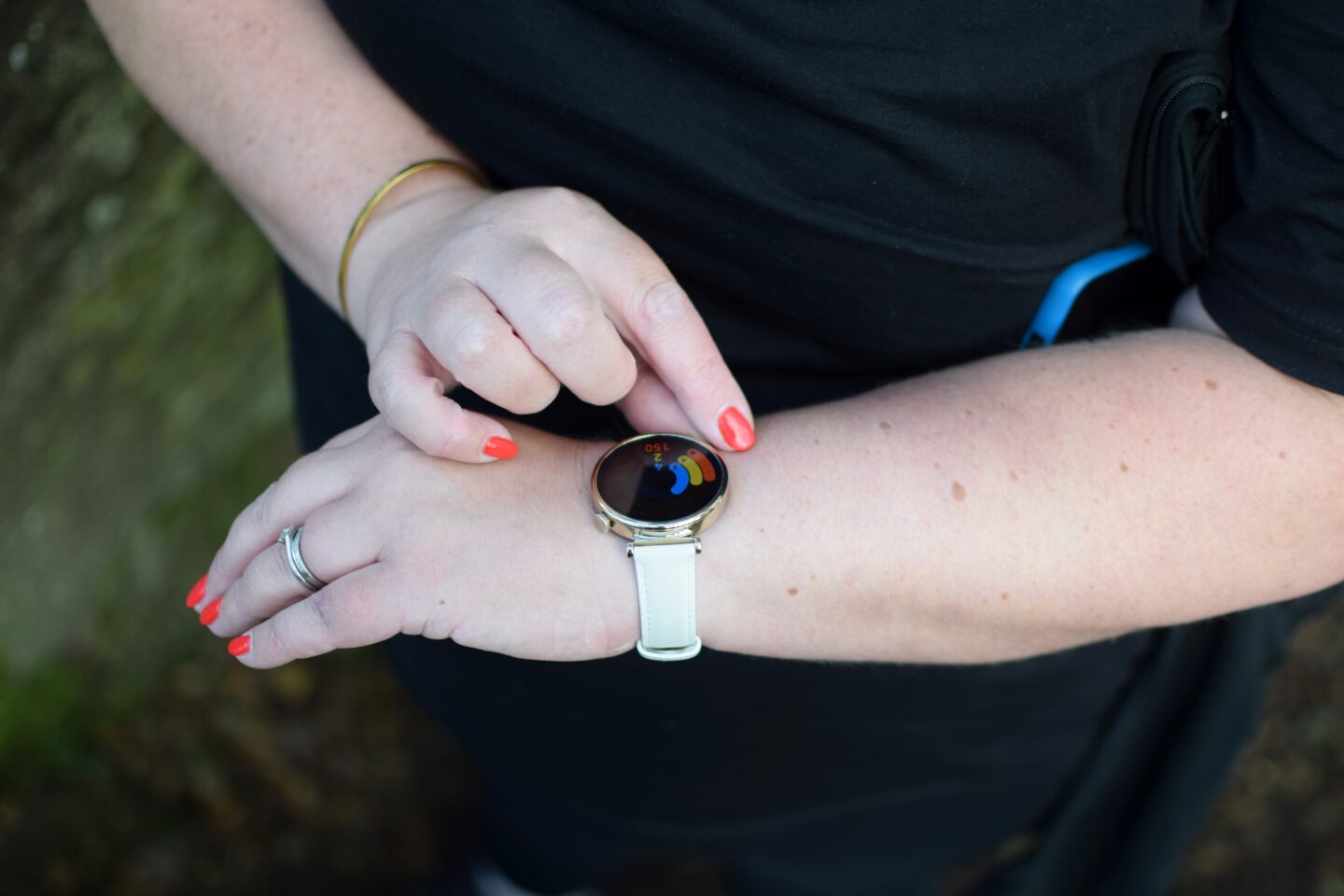
In terms of the main fitness goals my new smart watch tracks, you’re looking at calories burned, hours standing and minutes of exercise – as well as tracking my progress towards that supposedly magical 10,000 steps a day. Of course there is now plenty of research that suggests that walking 10,000 steps a day isn’t really as beneficial as we might have first thought and that really we need to be doing a lot more than that however when you average around 5000 steps daily, 10000 steps a day seems to be a pretty good place to start!
For the most part, my work is now fairly sedentary. I spend a lot of time sat at my desk at home with my day only really punctuated by school runs and getting up to put the washing out. Come September those school runs will be few and far between as with Amy being in Year 6, she really doesn’t need me to be taking her to school any more. I need to work on finding a new routine – one that sees me getting my steps in and breathing in some fresh air otherwise it would be very easy for me to not leave the house day in day out which will do nothing for my fitness or my mental health.
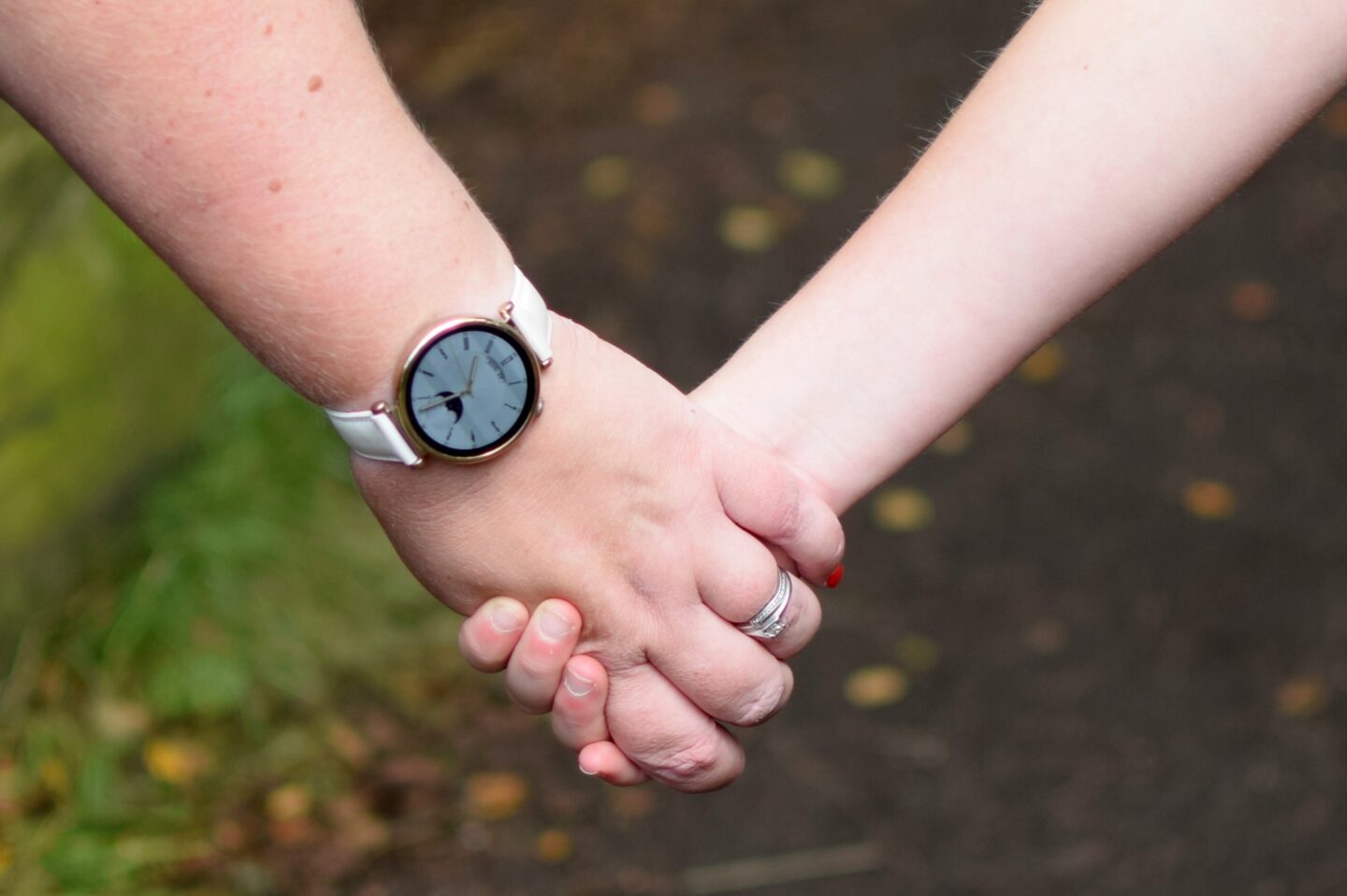
I’m very good at completing the stand goal and getting fairly close to the calories goal but the exercise one often eludes me – the watch automatically tracks the total duration of moderate and high intensity workouts (which for me is basically if I’m walking faster or further than usual) or you can tell the watch to track a specific type of work out for you – Dave uses this feature alongside an AI running programme planned by the Huawei health app.
I use my smart watch to track my steps, to track my heart rate, to track my menstrual cycle, to track my weight (we have Huawei scales which link to my watch and the Huawei fitness app as well). I also use it to monitor my sleep although this one does annoy me in that sometimes it thinks I’m napping when I’m not for example when I went to the cinema last week it said I’d had a 90 minute nap and whilst I was very relaxed in my reclining chair, I definitely wasn’t asleep and the Huawei app doesn’t actually let you delete those tracked in error which I do find a little bit irritating.
Whilst my old smart watch (the Honor magic watch 2) was still working absolutely fine after a couple of years use, there are several things I really like about my upgraded Huawei GT4 smart watch including the gold detailing and the interchangeable strap which is slightly narrower than on my old Huawei watch so the watch just looks that little bit more dressy and feminine rather than just a bulky manly fitness tracker on my arm. I love the light coloured, leather strap for the summer months which makes it feel more like a proper watch but I do plan to change it in the autumn as it doesn’t really feel very practical.
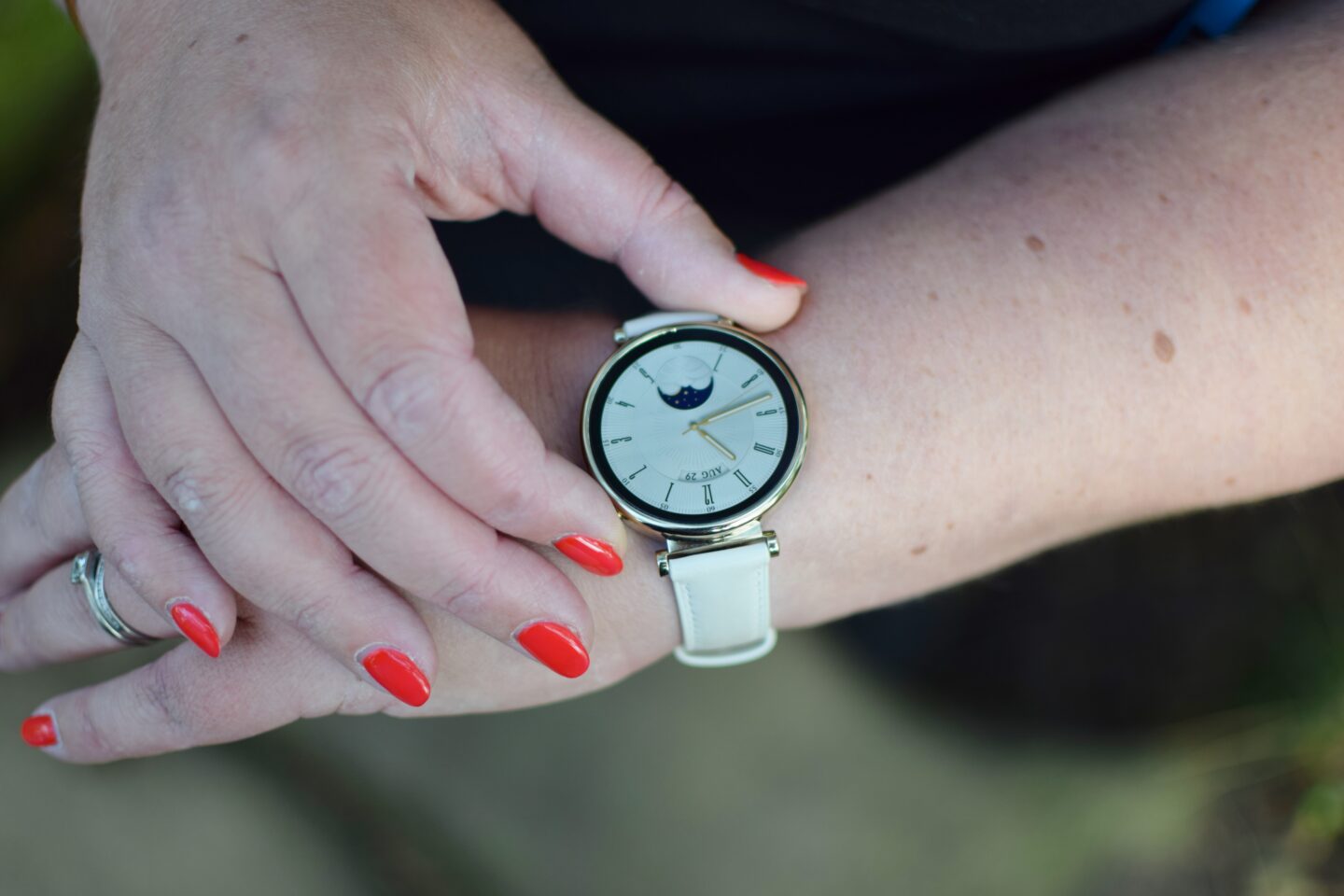
I really like the layout of the screen the way that you can scroll through using the little dial on the side, I like that I can answer calls on it now and that I can quickly reply to text messages with an emoji or a stock response. I also really appreciate that the battery life is much longer than on my old watch in fact I think I’ve only put it on charge once in the last fortnight though typically I tend to just charge my SmartWatch when I’m in the shower each good morning – it just means I don’t have to worry about charging my watch when we’re away for a long weekend or a short holiday.
The face on my watch is interchangeable – there’s hundreds of options – many are free, some cost a couple of quid. The stock face that this watch comes with reminds me of the watch I think many of us had in the 90s! I had planned to changed it but having spent some time scrolling through the options I decided that whilst the strap is light, this is the best face. When I swap it out for a darker strap, I’ll probably go for a darker face. I like my watch face to be quite simple whereas Dave and Ben have all sorts on theirs.
All three of our children have had Huawei smart watches for a while now – they are basically used as fitness trackers. Ben got his first smart watch for his 12th birthday (a Huawei Watch Fit 2) The main reason we bought it at the time was to help him to stay in touch with us as we realised he wasn’t noticing his phone ringing in his bag after school. The hope was the the vibrations on his wrist would give him a nudge! Of course as an added bonus he was able to track his steps as well.
Ben’s watch had lasted him three years but he was looking at an upgrade, complaining that his current watch did little more than track his steps. I think he was probably doing it down a bit but he was certainly thrilled to come home from a few days at Nana’s to find I’d upgraded him to the Huawei Watch Fit 3. He’s definitely following in his Dad’s footsteps when it comes to appreciating all things tech!
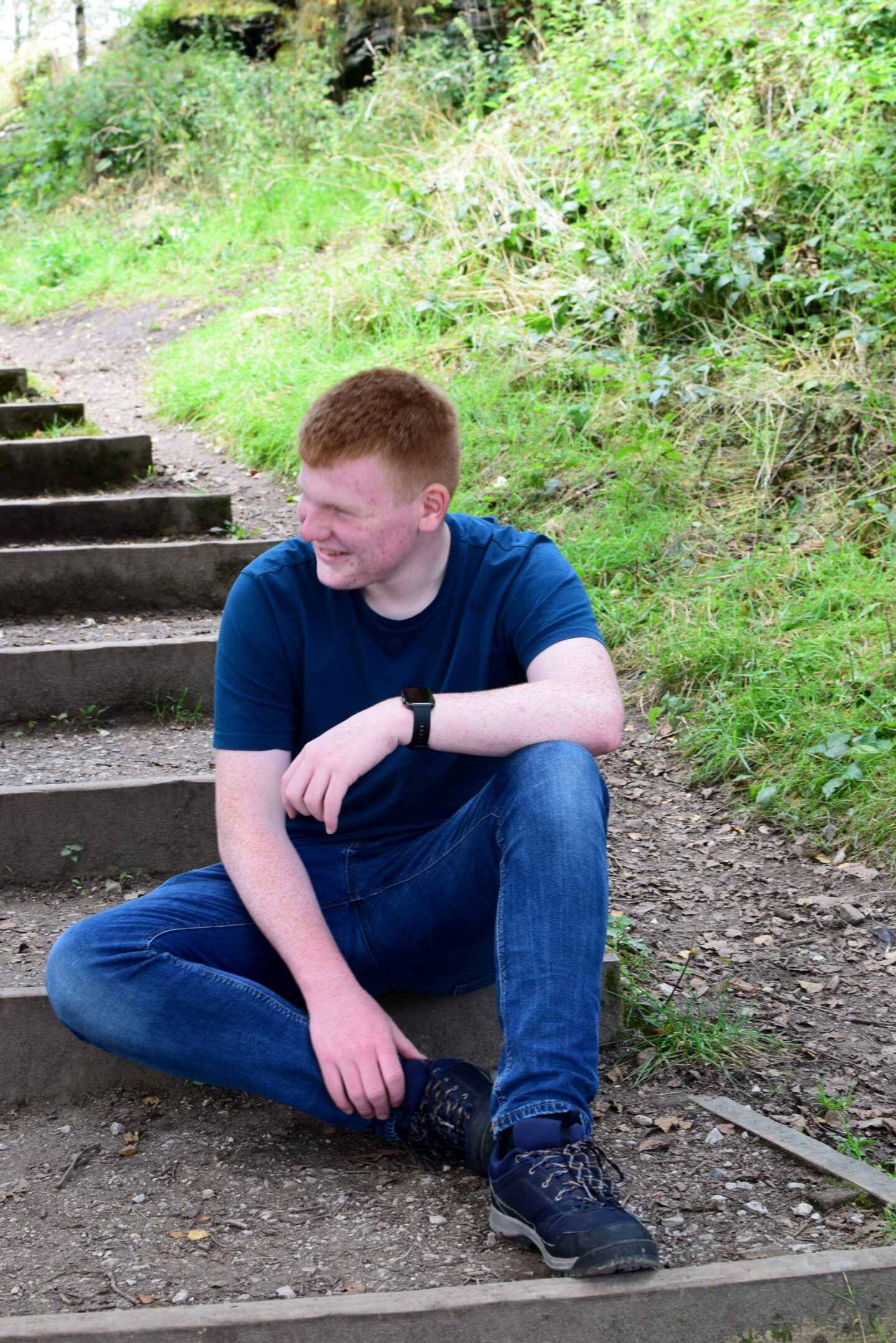
I’m not really sure what other features he was hoping for but he seems pretty pleased with the new one – which he can quickly read text messages on and acknowledge those using stock responses (which I’m hoping will mean he can at least let me know he’s seen my messages!).
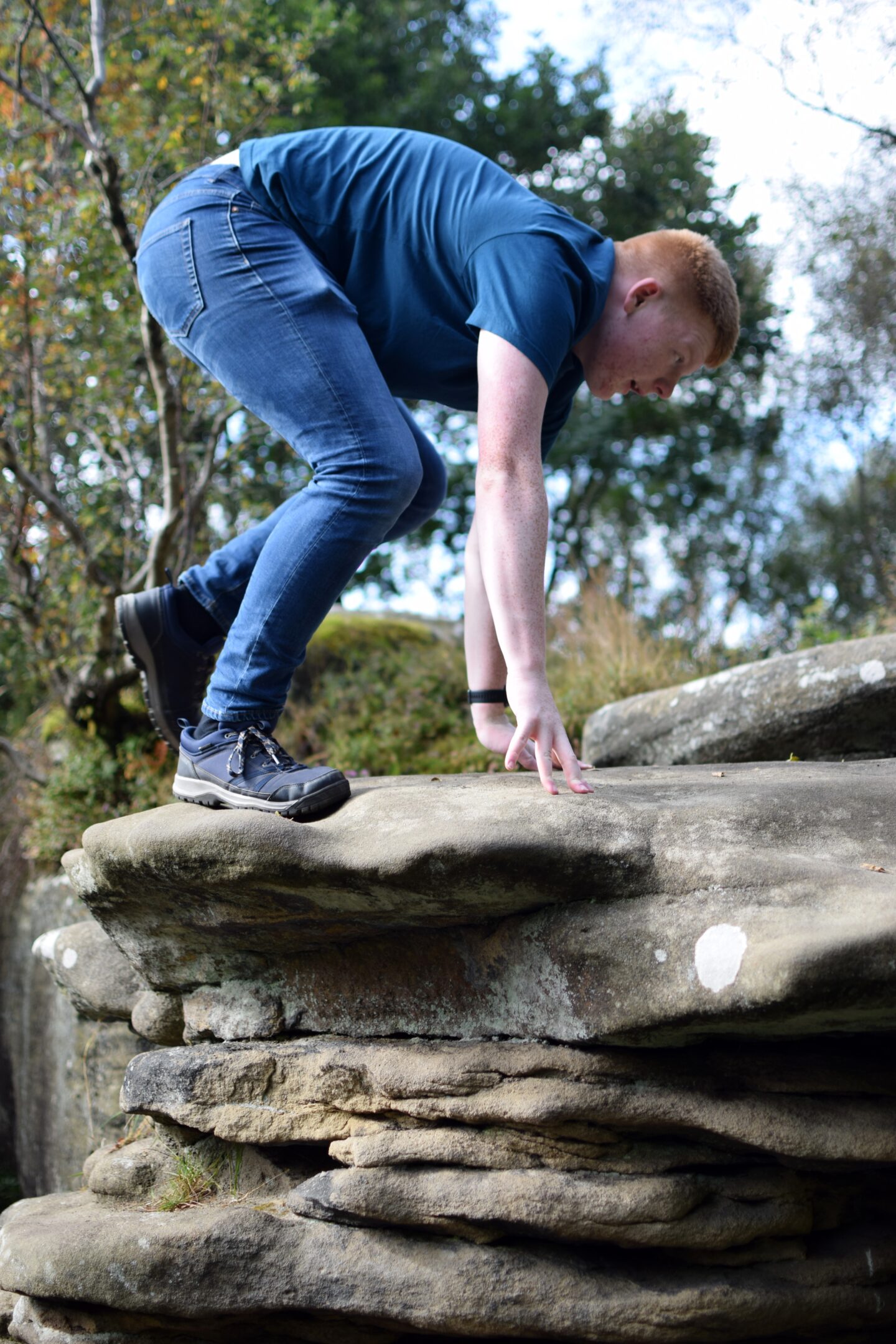
Ben does a lot of physical activity – he goes bouldering regularly, cycles, walks, runs, does boxing training at least once a week and plays rugby. He doesn’t wear his smart watch for rugby because that would just be asking for trouble – his watch is definitely not designed to withstand drop tackles! However, outside of rugby training, he uses his fitness tracker for tracking his runs, keeping an eye on his heart rate when he’s cycling, for tracking climbing and for when he chooses to walk the three miles home from school. This is all linked in with his Strava as well.
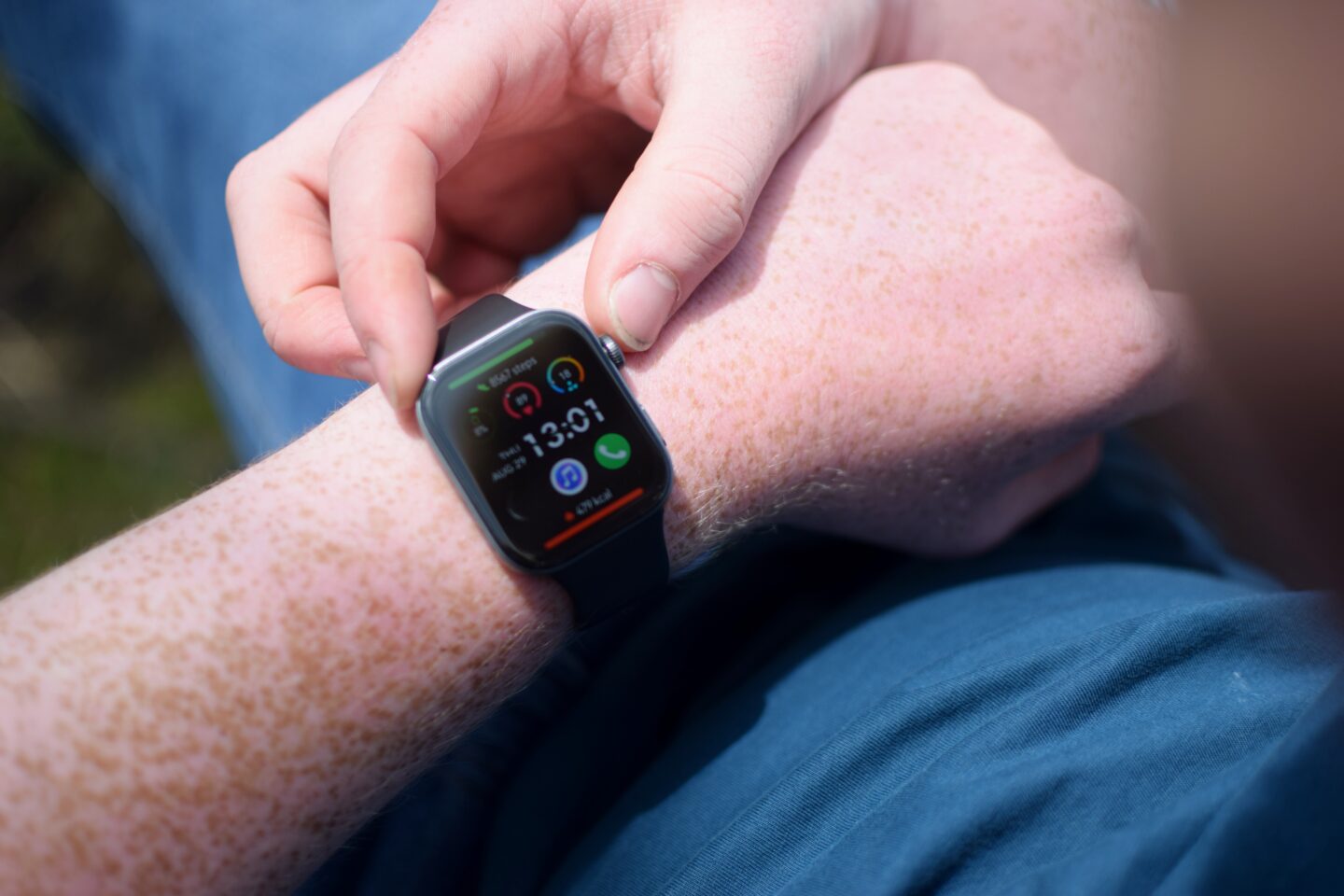
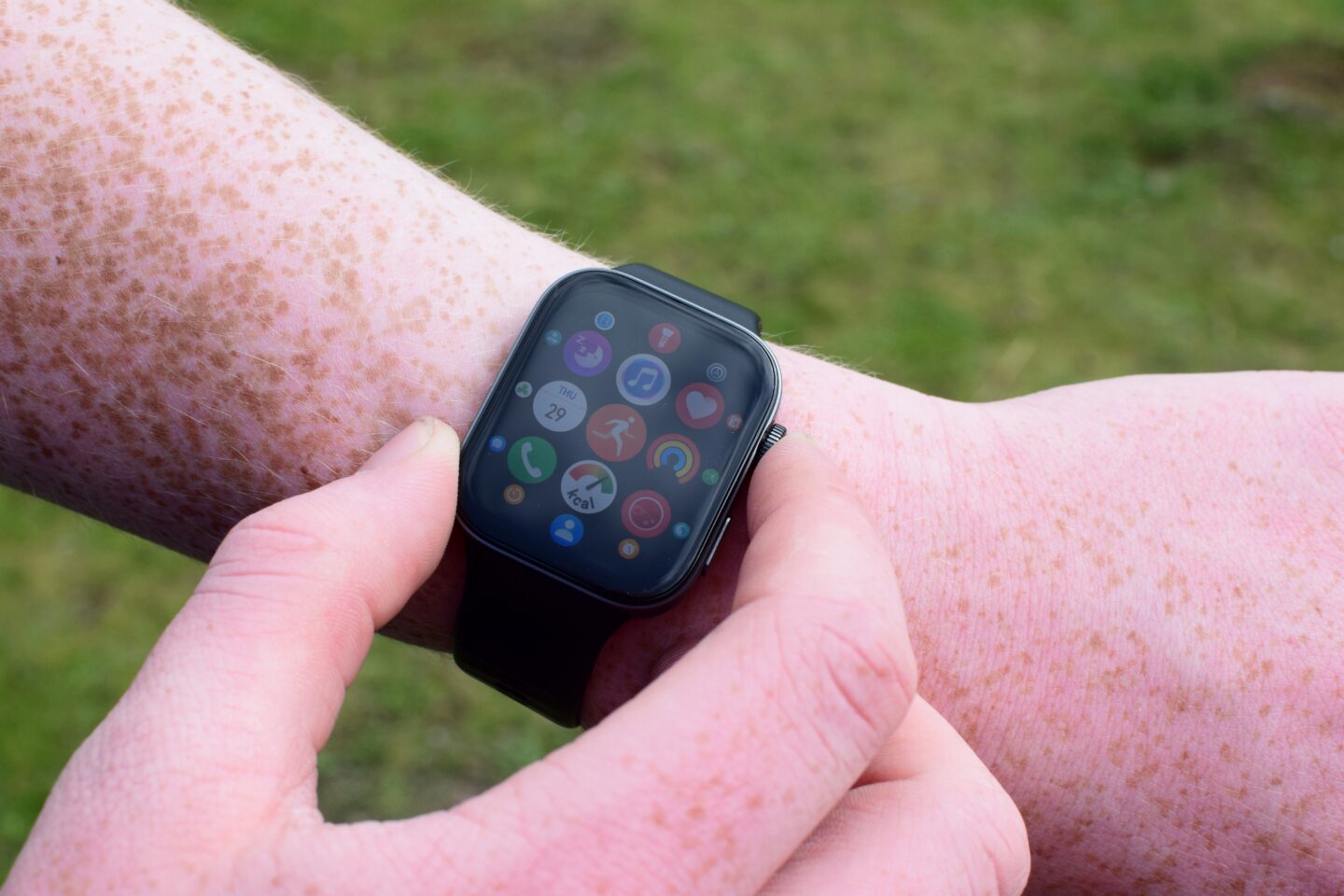
Ben loves that there’s lots of apps already installed on his new Huawei watch and the opportunity to add more including things like a compass, games and petal maps which allows you to follow a route without having to get your phone out.
Find my phone is a useful Huawei feature on both of our watches which I find myself using regularly if I’ve put my phone down somewhere in the house and can’t just lay my hands on it – tapping the Find My Phone button on my watch sets off a specific ringtone and “I’m here” voice message even if your phone is on silent.
It’s worth noting that, if you have an android phone, you can’t get the Huawei Health app on the Google play store. You have to download it and install it yourself as Google and Huawei aren’t friends!
Whilst I do have a number of “old school” watches, these now sit gathering dust in my drawer as I just wouldn’t be without the features my smart watch offers.
If you’re in the market for an upgrade, Very have a range of smart watches and wearable tech including Samsung, Huawei and Apple watches as well as fitness trackers from Garmin at a range of price points.

If you have enjoyed this post and found it helpful, here are a few ways you can say thanks and support We’re going on an adventure:
Click here to buy me a virtual coffee – it’s like a little tip jar but with caffeine!
I’d love for you to tag me in any photos of your adventures on Social Media if one of my posts has inspired you to visit
Click here to leave We’re going on an adventure a Google Review
Share this post with your friends – you’ll be helping me and them!
Follow We’re going on an adventure on Facebook or Instagram